
WordPress Plugin
Free Simple Contact Form WordPress Plugin – Lightweight & SMTP Ready – Free Simple contact. Reliable delivery.
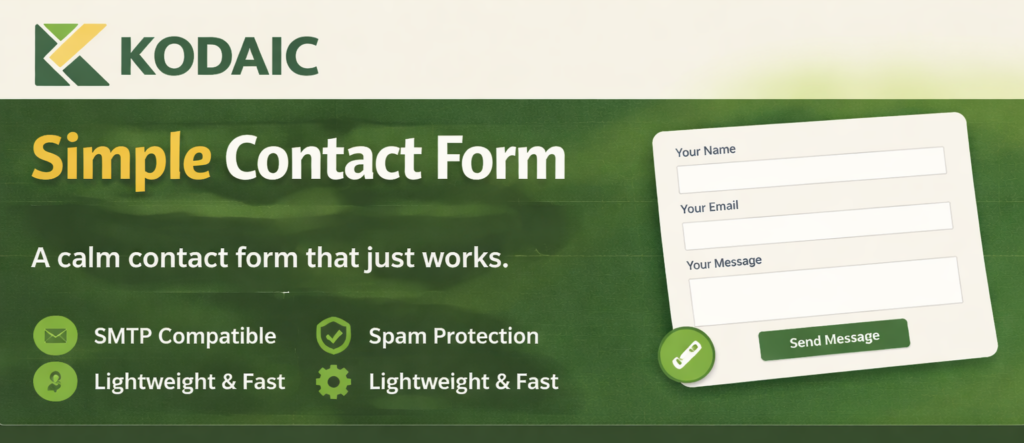
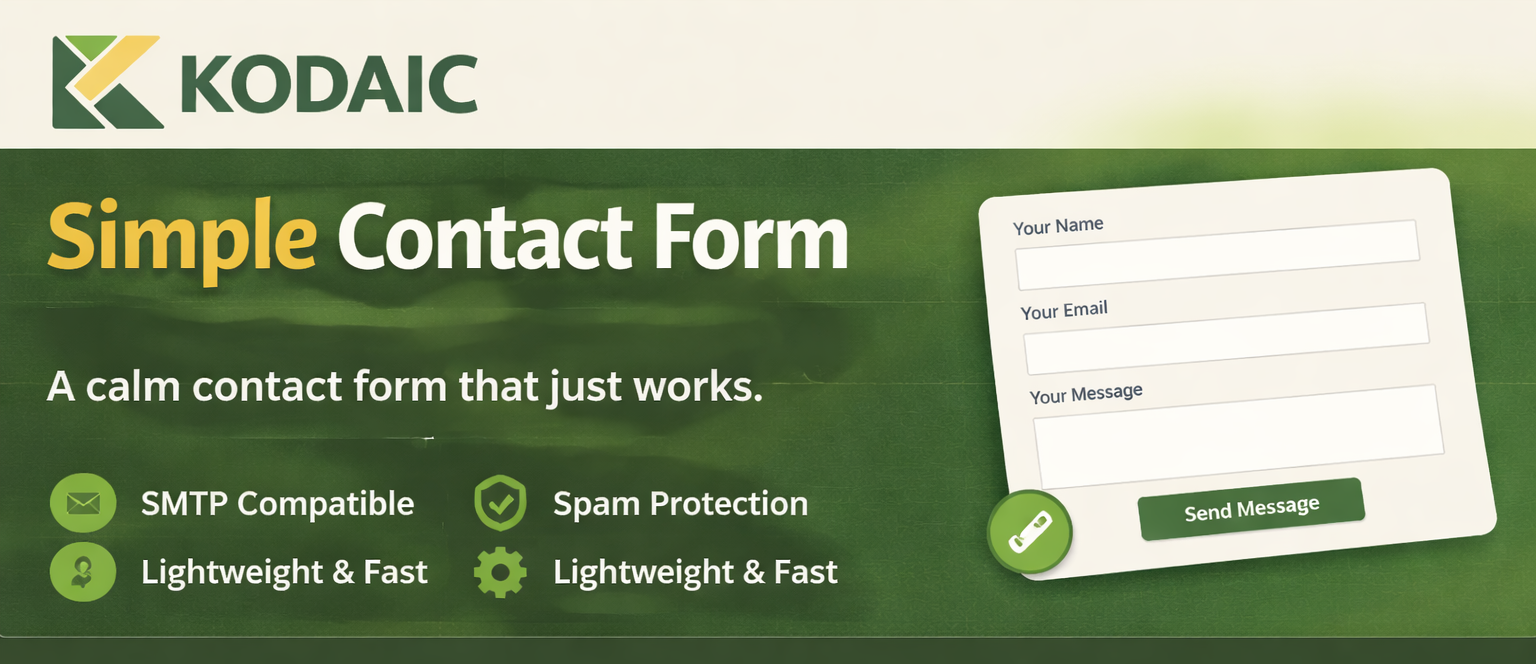
Free simple contact form WordPress plugin. Fast, lightweight, SMTP compatible, and easy to set up. No bloat. Just clean, reliable contact forms.
- Clear, focused setup
- Lightweight and fast
- Built to WordPress.org standards
Clear UI
No noise
Why you might need Free Simple Contact Form WordPress Plugin – Lightweight & SMTP Ready
Free Simple Contact Form WordPress Plugin – Lightweight & SMTP Ready is built to solve a specific WordPress workflow problem with a calm, predictable experience.
This page explains what it does, when you need it, and how to set it up in minutes.
Pain points solved
- Too many features
- Heavy scripts
- Slows down site
- Complex builders
What you get
- Free Simple contact. Reliable delivery.
- Clear, focused setup
- Lightweight and fast
- Built to WordPress.org standards
Features
- Description
Free Kodaic Simple Contact form WordPress Plugin is a lightweight WordPress contact form designed to do one thing well: send messages reliably using your existing SMTP setup. - Many contact form plugins try to be everything at once — builders, dashboards, analytics, automations.
- This plugin intentionally avoids that.
- It focuses on clarity, predictability, and email delivery you can trust.
- The form uses WordPress’s native wp_mail() function, which means it works seamlessly with SMTP Mailer plugins.
- If your site can send transactional emails correctly, this contact form will too.
How it works
- Install the plugin.
- Configure the settings.
- Use it on your site.
Use cases
Individuals
Keep your WordPress workflow simple and reliable.
Agencies
Ship consistent setups across client sites with minimal overhead.
Site admins
Reduce friction and make routine tasks faster.
Setup
- Installation
- Download the plugin ZIP file
- In your WordPress admin area, go to Plugins → Add New → Upload Plugin
- Upload the ZIP file and click Install Now
- Activate the plugin
- Setup
- Go to Settings → Kodaic Contact Form
- Set the email address where messages should be sent
- Optional) Adjust the subject prefix, success message, or consent option
- Make sure your SMTP Mailer plugin is installed and configured
Troubleshooting
Does this plugin store contact messages in the database?
No.Messages are sent by email using wp_mail() and are not saved in WordPress.
Does this plugin work with SMTP Mailer plugins?
Yes.The plugin uses WordPress’s native wp_mail() function, so any properly configured SMTP Mailer plugin will handle delivery.
Do I need an SMTP plugin?
It’s not required, but it’s strongly recommended for reliable email delivery.Without SMTP, email delivery depends on your hosting environment.
Does this plugin include spam protection?
Yes.It includes nonce protection, a hidden honeypot field, and basic rate limiting.It does not use CAPTCHA.
Is CAPTCHA supported?
No.This plugin intentionally avoids CAPTCHA to keep the form accessible and low-friction.
Can I change the recipient email address?
Yes.You can set the recipient email in Settings → Kodaic Contact Form.
Free Simple Contact Form WordPress Plugin – Lightweight & SMTP Ready vs alternatives
A simple comparison focused on clarity and setup experience.
| Feature | Free Simple Contact Form WordPress Plugin – Lightweight & SMTP Ready | Typical alternatives |
|---|---|---|
| UI complexity | Simple | Often busy |
| Focus | Core job only | Extra panels |
| Setup | Fast | Varies |
FAQ
Does this plugin store contact messages in the database?
No.Messages are sent by email using wp_mail() and are not saved in WordPress.
Does this plugin work with SMTP Mailer plugins?
Yes.The plugin uses WordPress’s native wp_mail() function, so any properly configured SMTP Mailer plugin will handle delivery.
Do I need an SMTP plugin?
It’s not required, but it’s strongly recommended for reliable email delivery.Without SMTP, email delivery depends on your hosting environment.
Does this plugin include spam protection?
Yes.It includes nonce protection, a hidden honeypot field, and basic rate limiting.It does not use CAPTCHA.
Is CAPTCHA supported?
No.This plugin intentionally avoids CAPTCHA to keep the form accessible and low-friction.
Can I change the recipient email address?
Yes.You can set the recipient email in Settings → Kodaic Contact Form.
Can I disable fields like name or subject?
Yes.You can hide optional fields using shortcode parameters.
Is this plugin GDPR-friendly?
The plugin does not store submissions or send data to third parties.An optional consent checkbox is available if you need it for your use case.
Technical details
- Version: 1.0.0
- Requires WordPress: 5.8
- Tested up to: 6.5
- Requires PHP: 7.2
- License: GPL-2.0-or-later