
WordPress Plugin
Free AAC Communication Tool for WordPress – Symbol Cards & Text-to-Speech – Free AAC boards with text-to-speech and smart predictions.
Free AAC communication tool for WordPress with a ready-to-use board and built-in text-to-speech. Simple, lightweight and accessible.
- Clear, focused setup
- Lightweight and fast
- Built to WordPress.org standards
Clear UI
No noise
Why you might need Free AAC Communication Tool for WordPress – Symbol Cards & Text-to-Speech
Free AAC Communication Tool for WordPress – Symbol Cards & Text-to-Speech is built to solve a specific WordPress workflow problem with a calm, predictable experience.
This page explains what it does, when you need it, and how to set it up in minutes.
Pain points solved
- No Built-In Communication Support in WordPress
- Overcomplicated AAC Tools
- Too Much Setup
- Not Enough Simplicity
What you get
- Free AAC boards with text-to-speech and smart predictions.
- Clear, focused setup
- Lightweight and fast
- Built to WordPress.org standards
Features
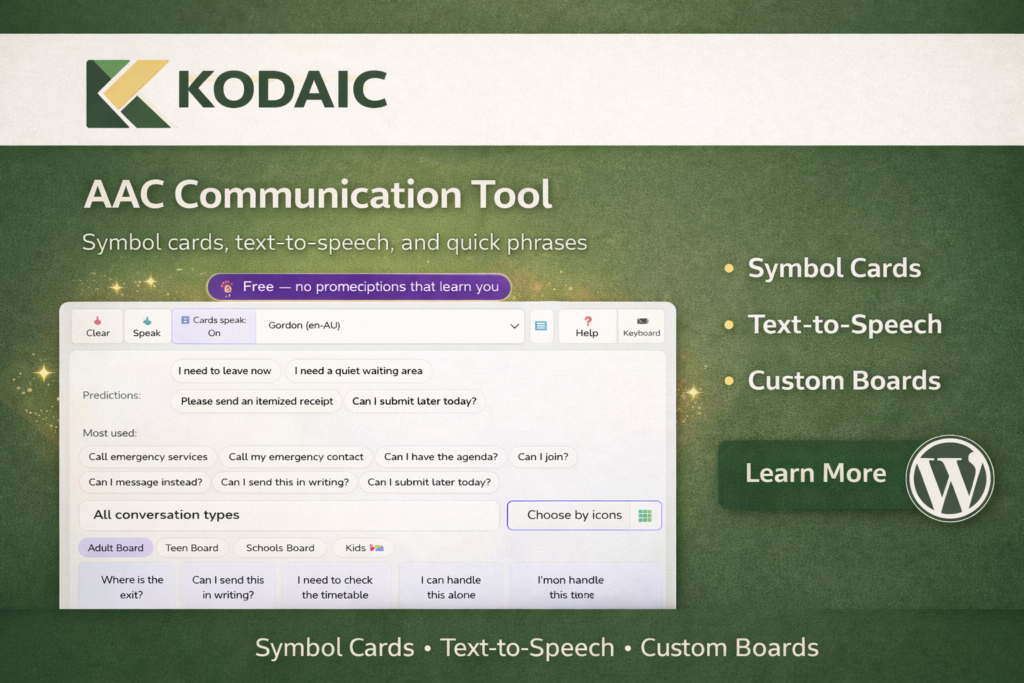
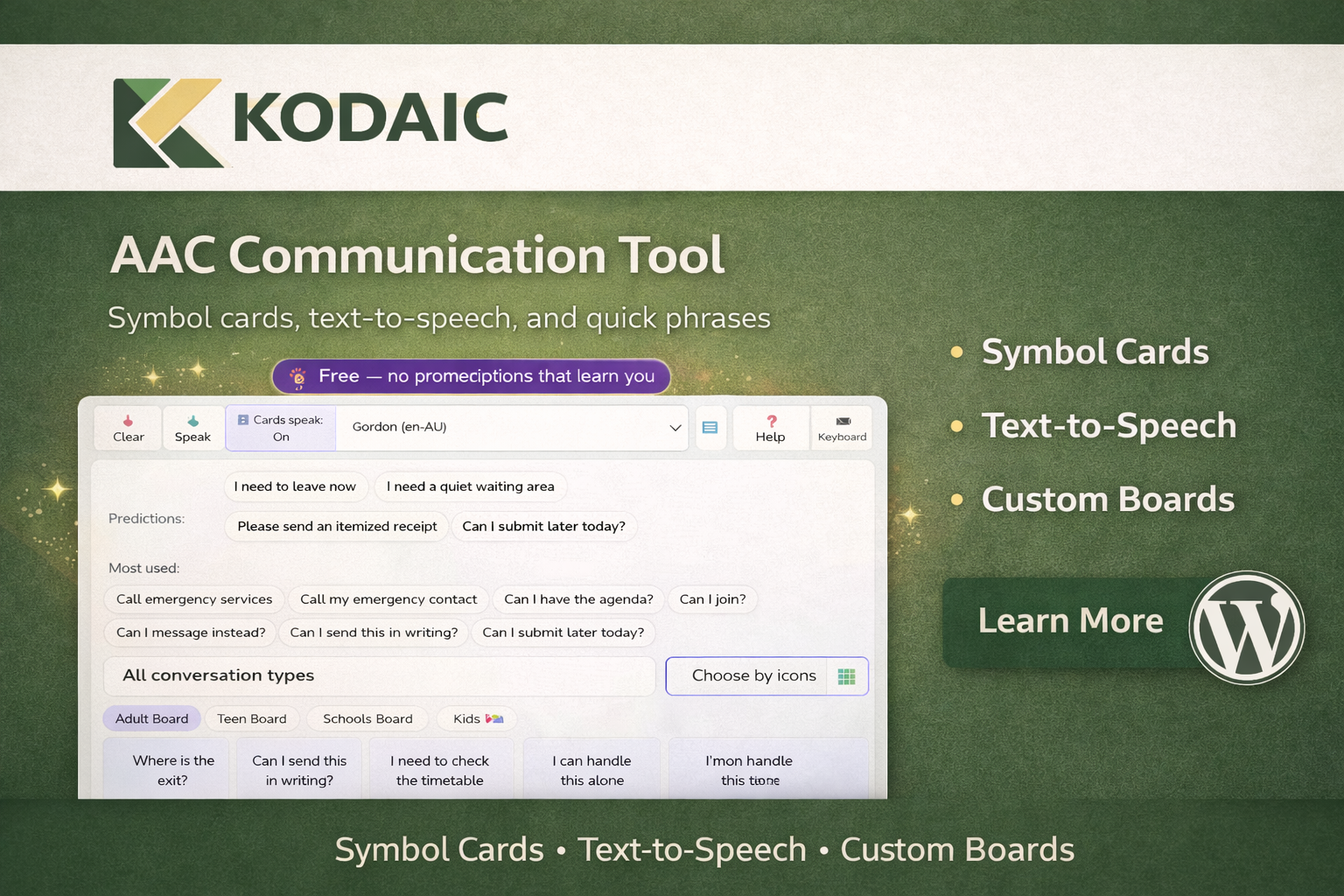
- Free AAC Communication Tool for WordPress provides a simple, ready-to-use communication board directly inside your WordPress website.
- This version includes 1,200 preloaded symbol cards designed for kids, teens, and adults, making it suitable for a wide range of communication needs.
- The board is immediately usable after activation and includes built-in browser text-to-speech support.
- No complex setup.
- No external platforms.
- No subscription required.
How it works
- Install the plugin.
- Configure the settings.
- Use it on your site.
Use cases
Individuals
Keep your WordPress workflow simple and reliable.
Agencies
Ship consistent setups across client sites with minimal overhead.
Site admins
Reduce friction and make routine tasks faster.
Setup
- Installation
- Download the plugin ZIP file
- Go to your WordPress dashboard
- Navigate to Plugins → Add New
- Click Upload Plugin and select the ZIP file
- Click Install Now, then Activate
- After Activation
- Go to the AAC settings page in your WordPress admin
- Create your communication boards and symbol cards
- Add the provided shortcode or block to any page or post
Troubleshooting
Is this plugin free?
Yes. This version is completely free and includes a ready-to-use AAC communication board.
Can I create my own symbol cards?
Custom card creation is not available in the free version. Advanced features may be available in a Pro version.
Does it require an external service?
No. Text-to-speech uses the visitor’s browser and does not require third-party accounts.
Is it mobile friendly?
Yes. The board works on desktop, tablet, and mobile devices.
Who is this plugin suitable for?
It is suitable for schools, accessibility-focused websites, educators, and families who need a simple AAC board inside WordPress.
Free AAC Communication Tool for WordPress – Symbol Cards & Text-to-Speech vs alternatives
A simple comparison focused on clarity and setup experience.
| Feature | Free AAC Communication Tool for WordPress – Symbol Cards & Text-to-Speech | Typical alternatives |
|---|---|---|
| UI complexity | Simple | Often busy |
| Focus | Core job only | Extra panels |
| Setup | Fast | Varies |
FAQ
Is this plugin free?
Yes. This version is completely free and includes a ready-to-use AAC communication board.
Can I create my own symbol cards?
Custom card creation is not available in the free version. Advanced features may be available in a Pro version.
Does it require an external service?
No. Text-to-speech uses the visitor’s browser and does not require third-party accounts.
Is it mobile friendly?
Yes. The board works on desktop, tablet, and mobile devices.
Who is this plugin suitable for?
It is suitable for schools, accessibility-focused websites, educators, and families who need a simple AAC board inside WordPress.
Technical details
- Version: 1.0.0
- Requires WordPress: 6.0
- Requires PHP: 8.0
- License: GPL-2.0-or-later